
Free AI headline generator · No email
Free LinkedIn Headline Generator
Free forever·No email needed·Ready in about 30 seconds
Drop in your CV and SnapBetter turns it into several LinkedIn headline options. Every one explains what you do and who you help. Browse them, choose the one you like best, adjust a word or two, and paste it into LinkedIn.
+Finishing touch: match your new headline with professional headshots
How it works
How the LinkedIn Headline Generator uses your resume
Your resume already explains your work. The generator condenses it into a headline that says the same thing in fewer, sharper words — in a few versions.
Priya Raman
Product Marketing Lead
priya.raman@email.com · Austin, TX
Summary
Six years launching fintech products to SMB buyers.
Top skills
Positioning, pricing, sales enablement
Experience
Headline options
Option 1
Product Marketing Lead · Fintech Launches & Positioning for SMBs
Option 2
I help fintech teams turn product launches into lasting adoption
Option 3
Product marketer | Positioning, pricing, and sales enablement
The LinkedIn Headline Generator scans your resume for your role, your strengths, and the value you deliver, then builds a set of headline options from them. No more staring at an empty field: you get several AI LinkedIn headlines to compare, each written the way a person would describe themselves rather than a copied job title.
Edit any option as much as you like. Compare them, adjust the phrasing, then paste your pick straight into LinkedIn. It's free, with no account or email required.
Three steps
Write your LinkedIn headline
from your resume in three steps
Add your resume (PDF)
Or type a few lines about your role and background. The AI works only from what you give it.
Let the AI draft your headlines
You get several options back, each covering what you do and who you do it for. The whole thing takes about 30 seconds.
Choose one and paste it in
Compare the options, change any wording that isn't quite you, then paste your favourite into LinkedIn and save.
Examples
LinkedIn headline examples by role
Ready-to-use headlines for different roles and career stages. Borrow one as a starting point, or generate a version from your own resume above.
Seeking Product Marketing roles | Launch strategy & positioning for fintech
Data Science graduate | Machine learning & analytics | SQL, Python, dbt
Chief Operating Officer | Building operations that scale from 50 to 500 people
Independent copywriter turning technical SaaS products into clear, persuasive websites
Nurse turned product designer | Building healthcare tools clinicians actually want to use
Account Executive | Helping logistics teams cut shipping costs without switching carriers
Staff Frontend Engineer · Making complex dashboards fast, accessible, and simple
Co-founder building the simplest way for clinics to manage patient bookings
Spot the formula: your role first, then the value you add or the people you serve. Want one built from your own resume? Use the generator at the top of the page.
The full checklist
How to write a good LinkedIn headline people remember
The best headlines are brief, specific, and written for the audience you want to attract. Here's how to put one together.
Say more than your job title
Your headline travels with your name across LinkedIn, so a bare title wastes it. Spell out what you do and who benefits. "Account Executive" says far less than "Helping logistics teams cut shipping costs."
Use the keywords recruiters search for
Recruiters and clients find people on LinkedIn by searching roles and skills. Include your actual job titles and core skills so you appear in those results. "UX Designer, Healthcare SaaS" works harder than "Creative problem solver."
Respect the character limit
LinkedIn caps your headline at 220 characters. Most good ones use far fewer. A single clear line, broken up with a "|" or "·", is easier to scan than a crowded sentence.
If you're looking for work
Make it clear you're available and say which role you want. "Seeking Product Marketing roles | Launch strategy & positioning for fintech" shows a recruiter what you're after in one glance.
If you're settled in your role
Put the value you create in your current job up front. Highlight results and the people you help instead of "open to opportunities," so the headline builds your reputation rather than advertising a job search.
Skip the usual mistakes
Drop labels like "rockstar" and "wizard," filler like "passionate professional," and headlines that are nothing but a job title. Specific always wins over generic. The generator above hands you a clean draft to refine.
Rather not start from an empty box? Upload your resume at the top and get several headline options in around 30 seconds. Then just choose one and refine it.
FAQ
Frequently asked questions
Short answers on how the free tool works, what happens to your resume, and how to use the result.
Keep going
More free tools
Finish the rest of your profile with these. All free, no email needed.
LinkedIn Profile Generator
A complete LinkedIn profile built from your resume.
Open toolLinkedIn Bio Generator
An About section drafted from a few quick details.
Open toolFree Headshot Generator
Turn one selfie into a professional profile photo.
Open toolEmail Signature Generator
A clean email signature that matches your profile.
Open tool


















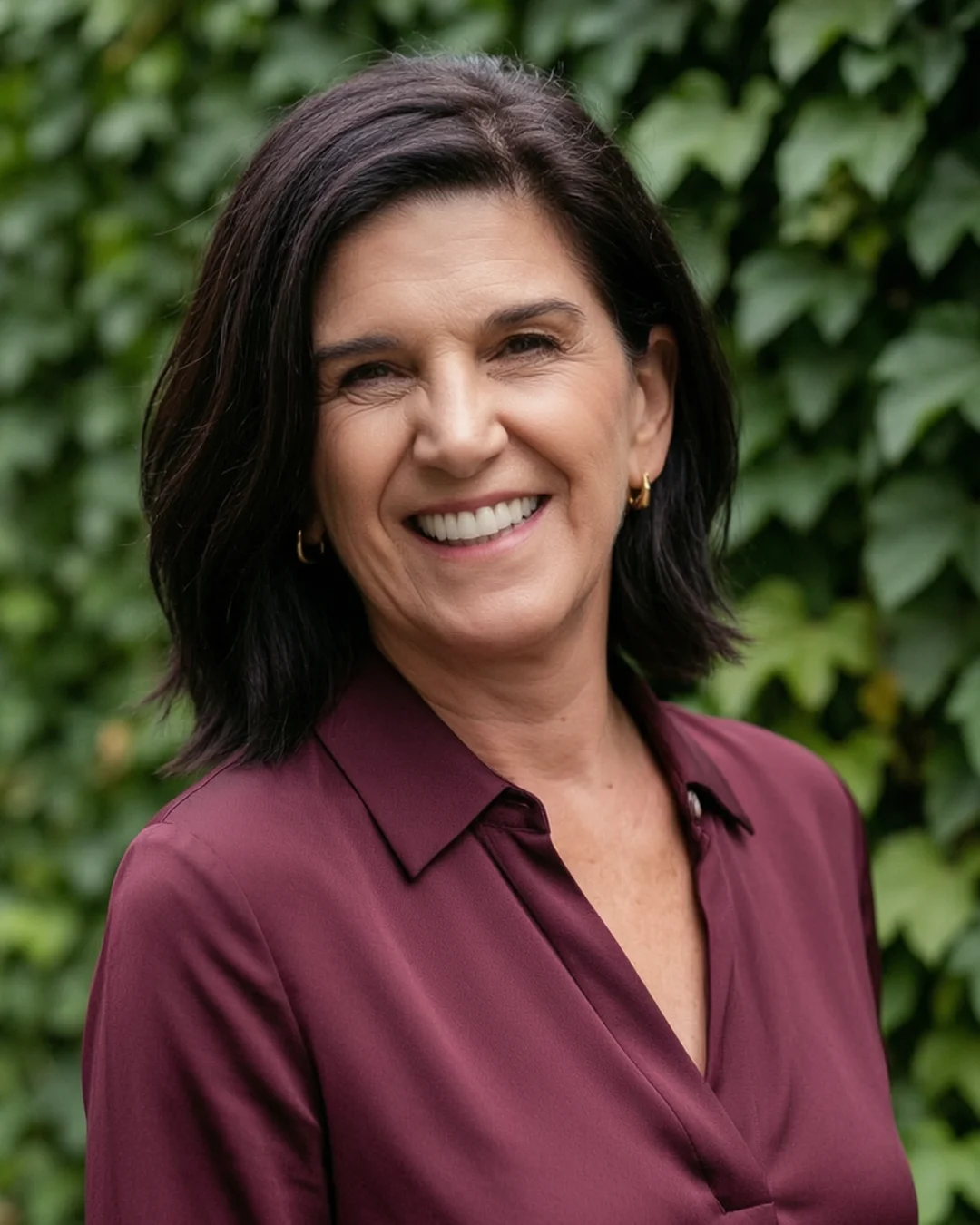














Headline done. Time for the photo.
Recruiters look at your LinkedIn photo before they read a word. Turn a few selfies into a studio-quality headshot that still looks like you — no photographer, no studio booking, no time off work.
Starting at $39 · Ready in 15 minutes · Pay only after you love them
