
Free AI summary generator · No email
Free LinkedIn Bio Generator
Free forever·No email needed·Ready in about 30 seconds
Drop in your CV and SnapBetter writes your LinkedIn summary from it — the About section near the top of your profile, often called your bio. You'll get a few versions to compare. Choose one, edit it, and paste it into LinkedIn.
+Finishing touch: match your new summary with professional headshots
How it works
How the LinkedIn Summary Generator uses your resume
Your role, your career so far, and your strengths are all in your resume already. The generator shapes them into a summary that sounds like you wrote it yourself.
Priya Raman
Product Marketing Lead
priya.raman@email.com · Austin, TX
Experience
Six years in fintech product marketing for SMB buyers.
Top skills
Positioning, pricing, sales enablement
Education
About section
About · Option 1
I'm a product marketer who turns launches into lasting adoption. Across six years in fintech, I've positioned and priced products that small businesses rely on…
About · Option 2
Six years in, the part I love hasn't changed: watching a launch go from slide deck to daily habit. I lead product marketing for fintech teams…
The LinkedIn Summary Generator picks out your experience and strengths from your resume, then drafts a few About-section options around them. Rather than an empty text box, you get several AI LinkedIn summaries that read like a person talking, not a job description. "Summary" and "bio" are the same thing here: the About block at the top of your profile.
Change any option however you like. Compare them, rephrase a line, then paste your favourite straight into LinkedIn. It's free, with no account or email required.
Three steps
Write your LinkedIn summary
from your resume in three steps
Add your resume (PDF)
Or type a few lines about your role and background. The AI works only from what you give it.
Let the AI draft your summary
You get a few About-section options, each written in your own voice. It takes roughly 30 seconds.
Choose one and paste it in
Compare the options, change any wording that isn't quite you, then paste your favourite into LinkedIn and save.
Examples
LinkedIn summary examples by profession
Sample About sections for different professions. Borrow one as a starting point, or generate yours from your resume above.
I help fintech products find their audience and keep it. For six years I've led positioning, pricing, and launches for tools small businesses use every day, and I measure success in adoption, not impressions. Happy to swap notes on go-to-market.
I make web apps feel instant. Most of my career has been spent on frontend performance and design systems, where shaving 200 milliseconds can matter more than a new feature. Right now I'm focused on accessibility and tooling.
Recent Data Science graduate moving into analytics engineering. I learn by building, so my evenings usually involve a new dashboard or a messy public dataset. Looking for graduate roles starting this autumn.
I design healthcare software clinicians can use between patients. After eight years, I've learned the details decide everything — the forms, the alerts, the loading states — because that's where people either trust a product or work around it.
I help logistics teams lower shipping costs without switching carriers. I've spent five years in consultative SaaS sales, and I'd rather walk away from a poor fit than close a customer who churns. Always glad to talk shop.
I worked as a nurse for nine years before moving into product design, and the skills transferred more than I expected: both jobs are about noticing what people need before they say it. Today I build tools that make clinical work easier.
See the structure: an opening hook, what you do, then a result or a way to get in touch. Want one written from your resume? Use the generator at the top of the page.
The full checklist
How to write a LinkedIn bio or summary that stands out
A good summary tells your story in just a few paragraphs. Here's what to include, and the quickest way to get it written.
Lead with a hook
LinkedIn shows roughly two lines before the "see more" cut-off, so open with the most compelling part of your work, not "Passionate professional with a proven track record." A concrete first line is what gets people to expand the rest.
Stick to three short paragraphs
A dependable structure: what you do now, what you've achieved, and how to contact you. Short, scannable paragraphs with space between them are far easier to read than one solid block.
Know the character limit
The About section holds up to 2,600 characters, but filling it isn't the goal. A few focused paragraphs beat a wall of text — write something a busy reader will actually finish.
Use the first person
This is the one part of your profile written in your own voice, so "I" feels warmer than the third person. Keep the formal, third-person style for company bios; on LinkedIn, sound like you.
Include the keywords people search
Recruiters look people up on LinkedIn by role and skill, so mention your real job titles, tools, and specialisms in your summary. Work them into natural sentences instead of listing them.
Prove it with results, then invite contact
A number says more than an adjective, so add a result or two you're proud of. Finish with a short line on what you're open to and the best way to reach you. The generator above gives you a clean draft to build on.
Rather not start from an empty box? Upload your resume at the top and get several summary options in around 30 seconds. Then just choose one and refine it.
FAQ
Frequently asked questions
Short answers on how the free tool works, what happens to your resume, and how to use the result.
Keep going
More free tools
Finish the rest of your profile with these. All free, no email needed.
LinkedIn Headline Generator
Headline options that explain what you do, in seconds.
Open toolLinkedIn Profile Generator
A complete LinkedIn profile built from your resume.
Open toolFree Headshot Generator
Turn one selfie into a professional profile photo.
Open toolEmail Signature Generator
A clean email signature that matches your profile.
Open tool

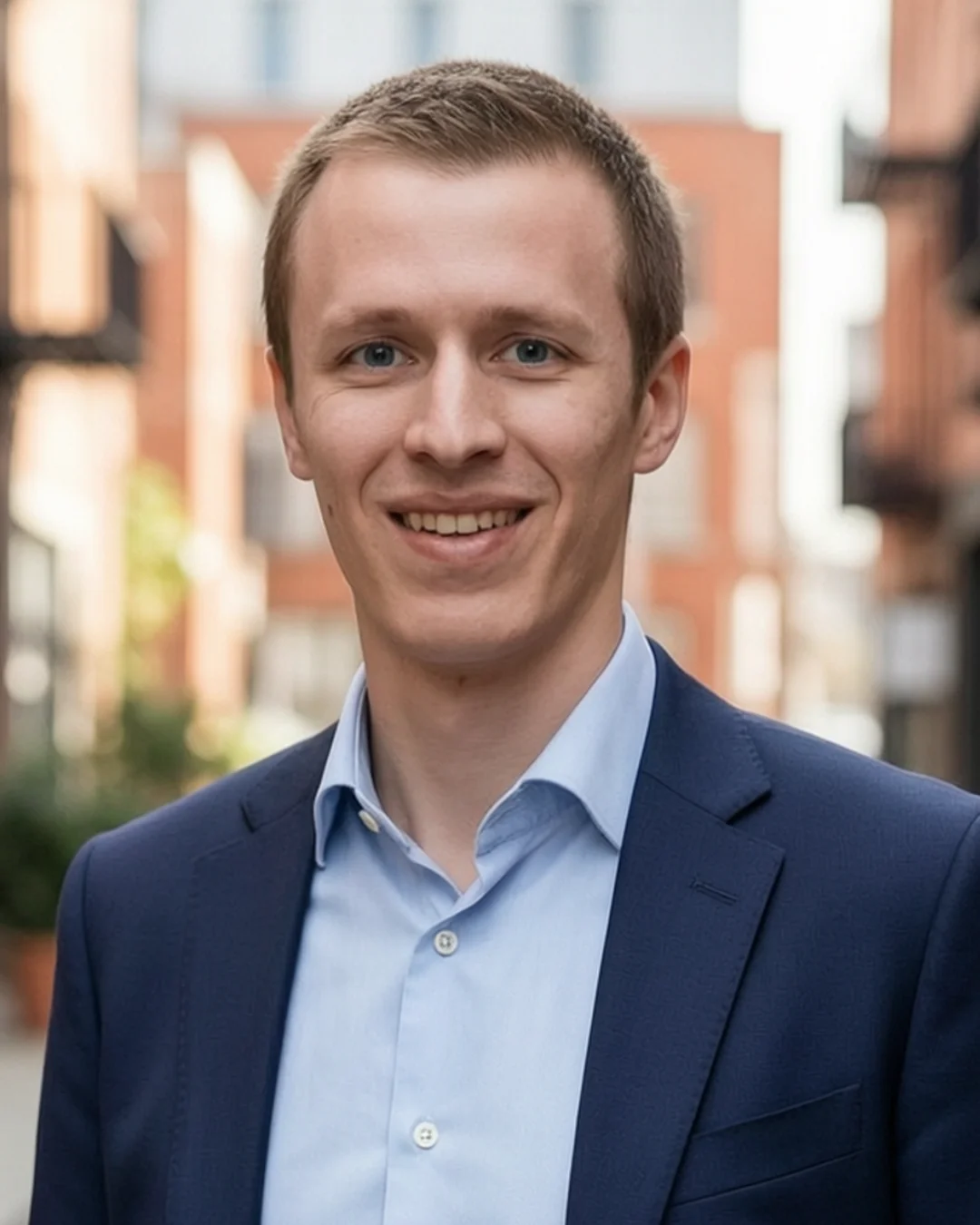
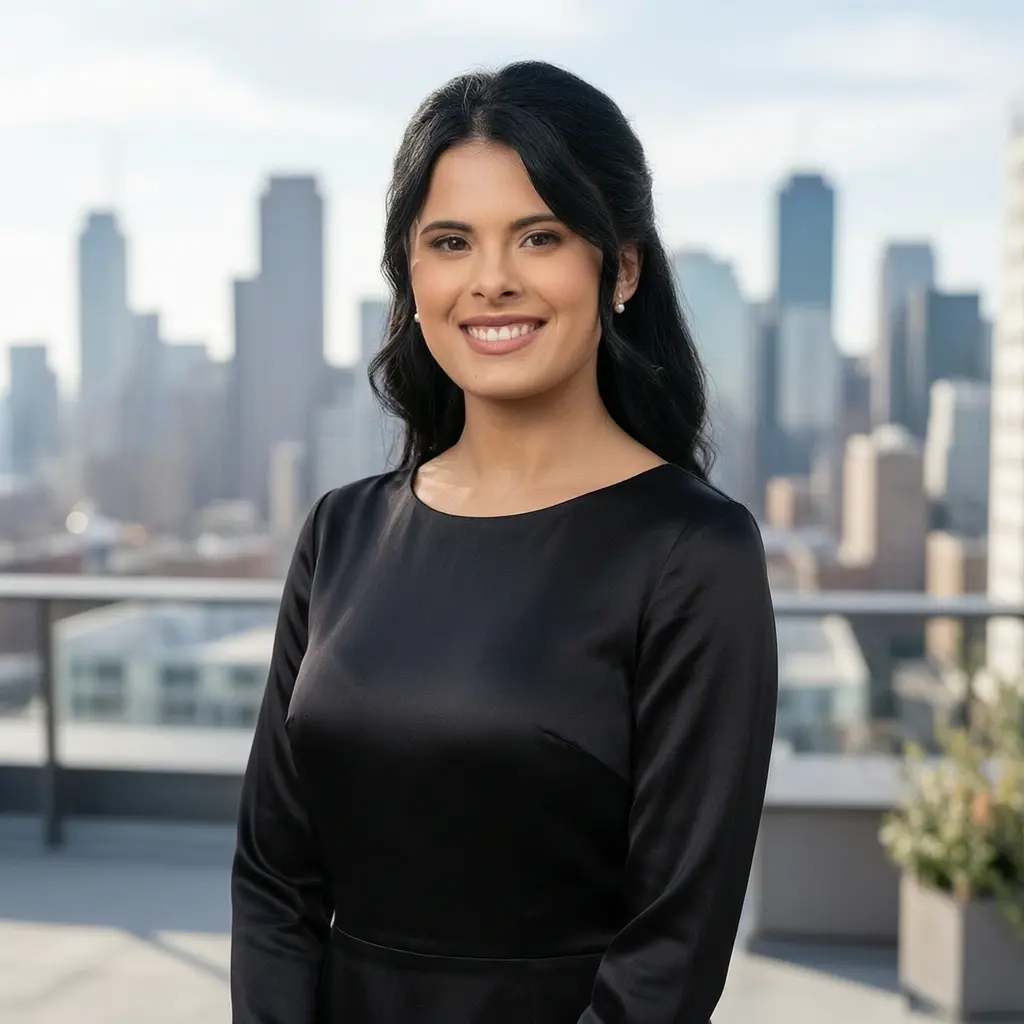
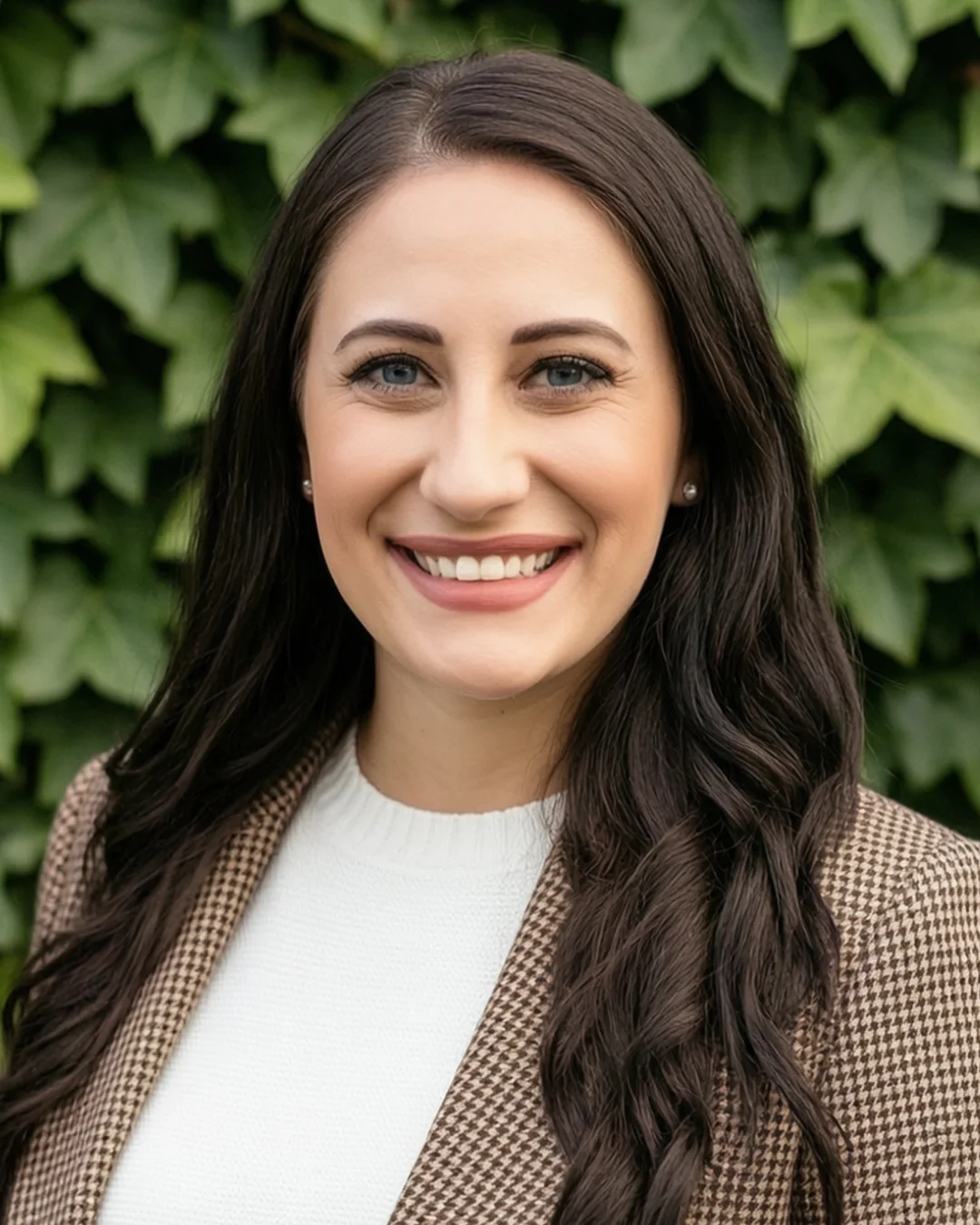


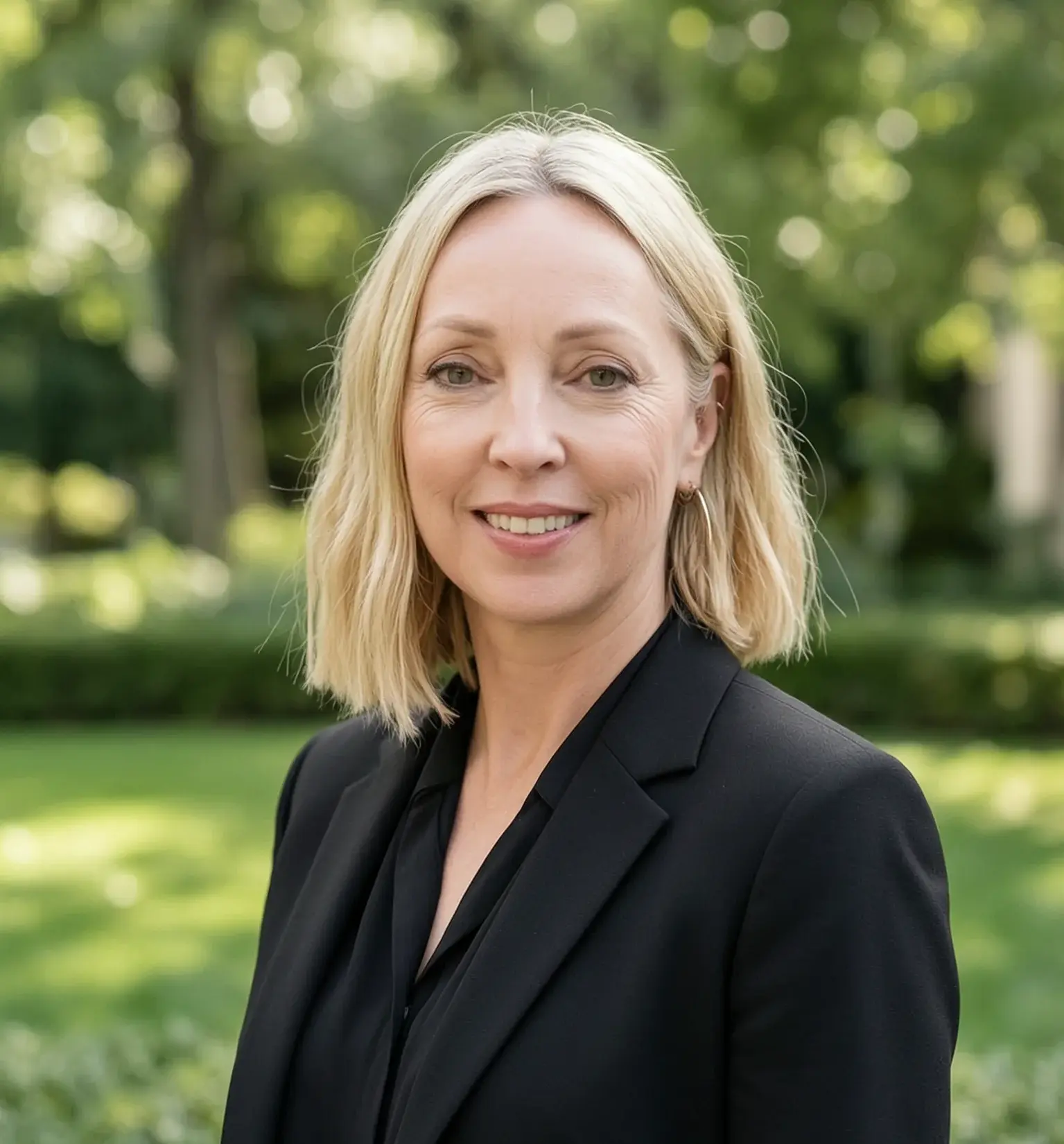
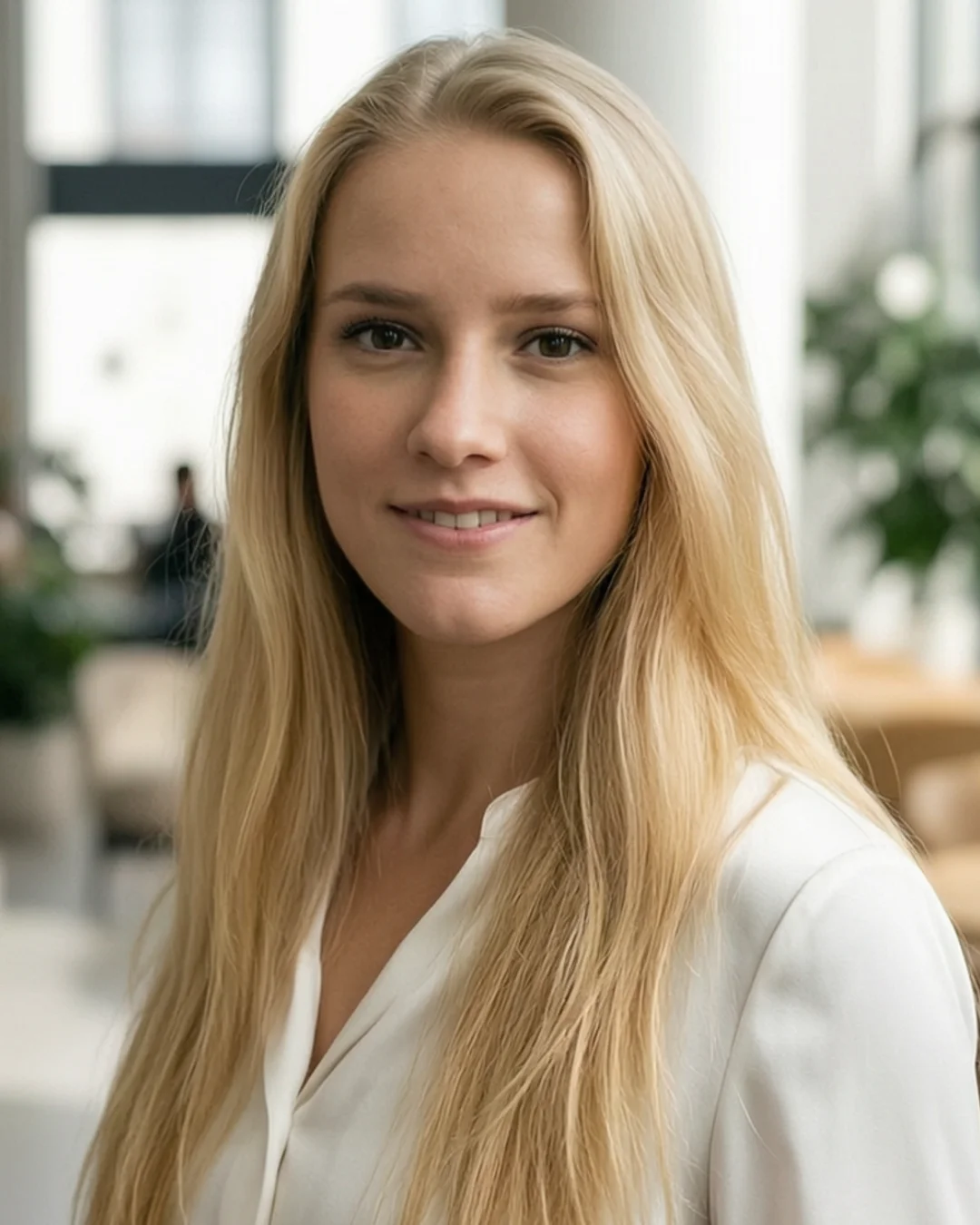


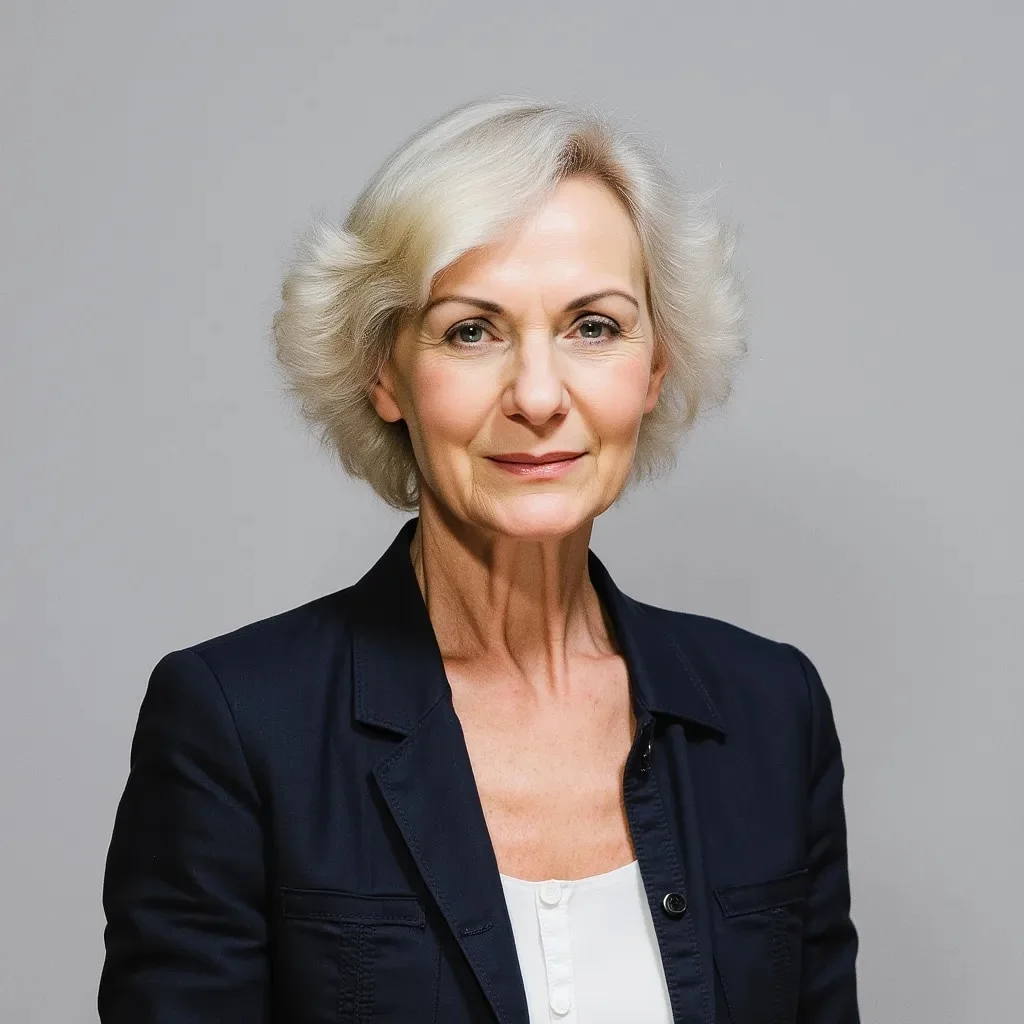
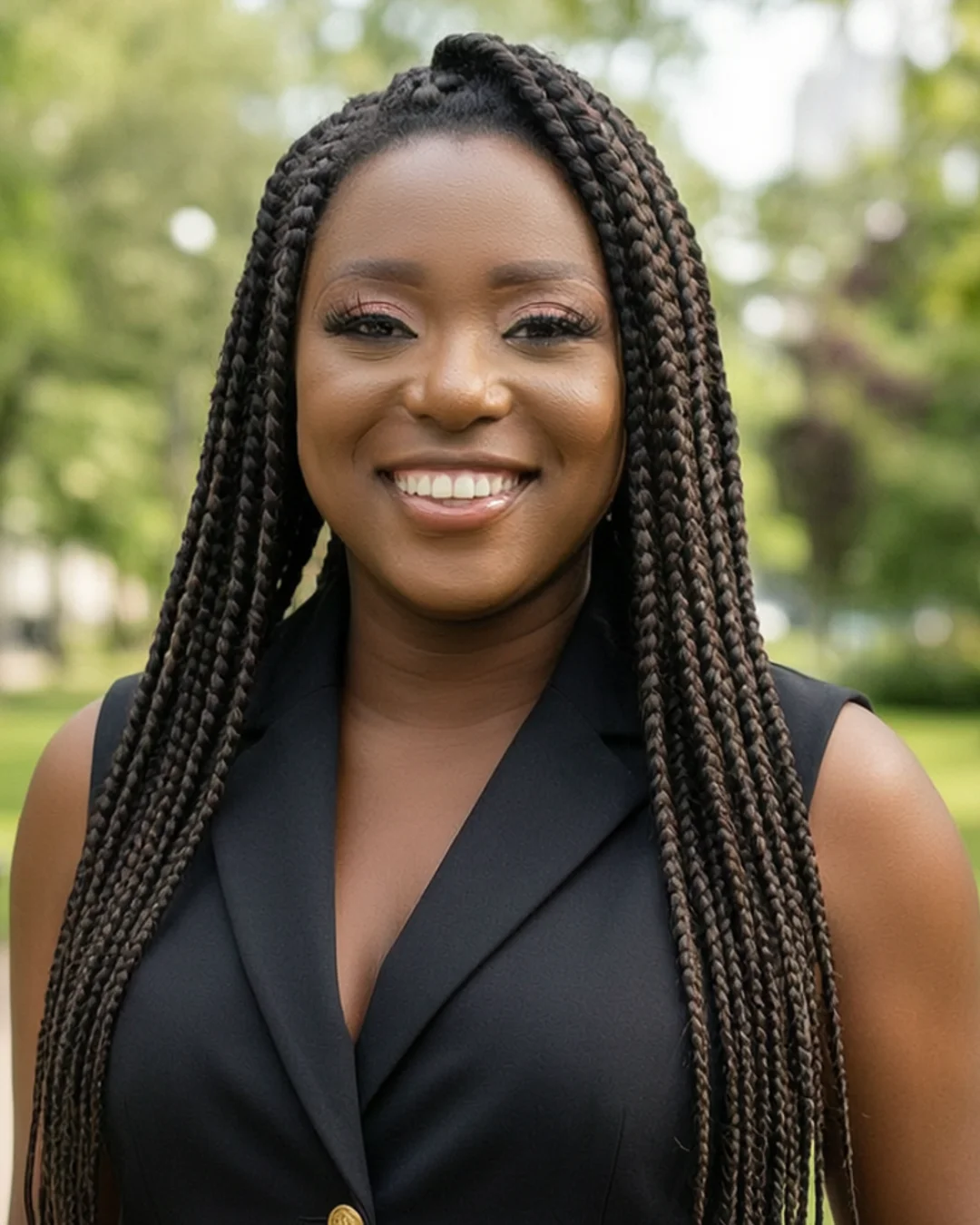

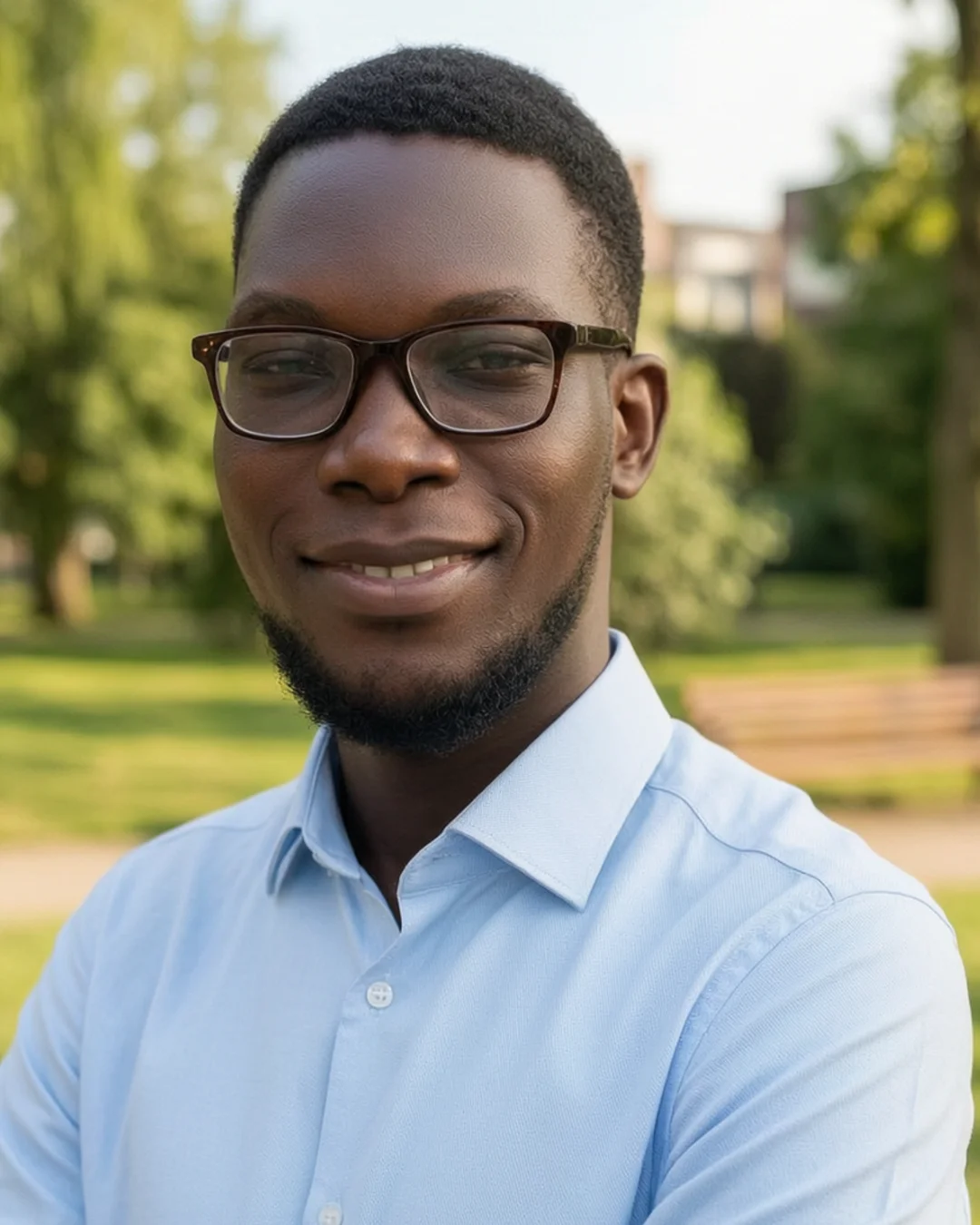
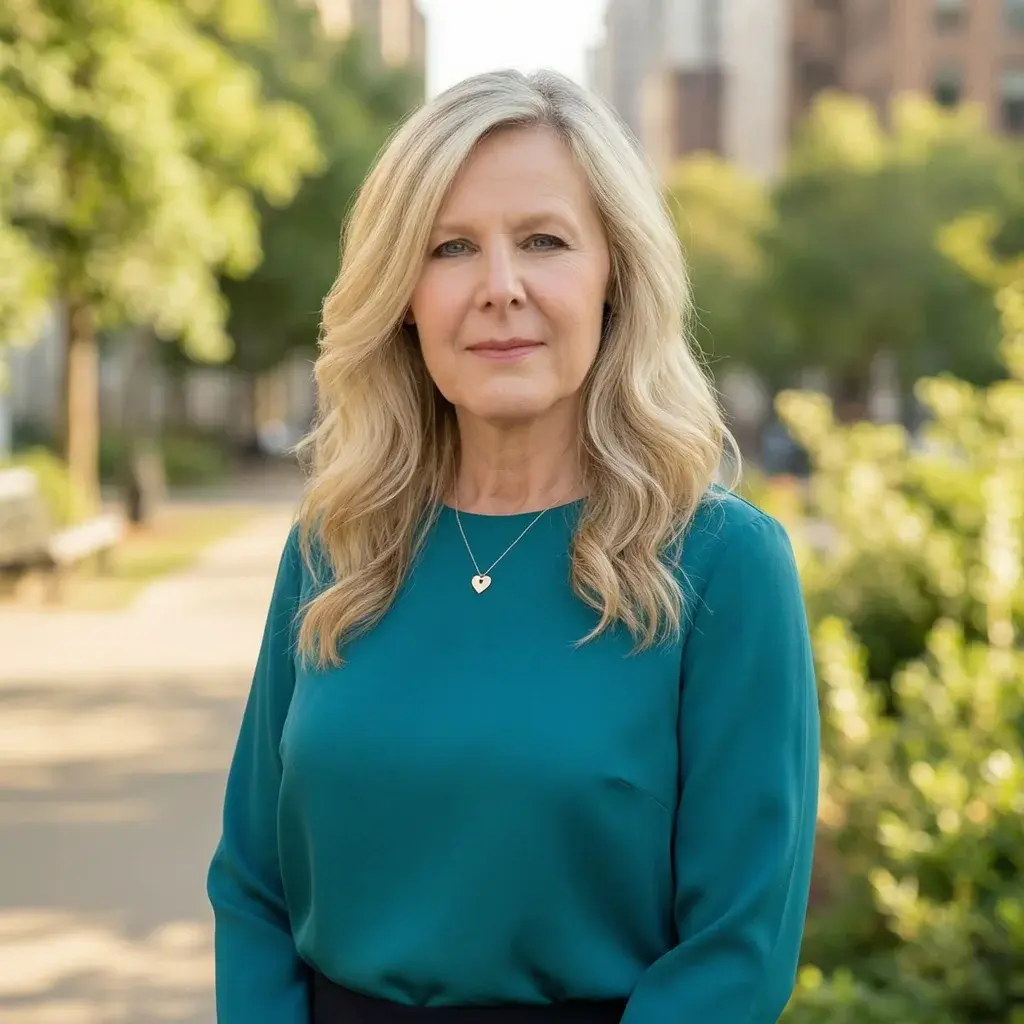
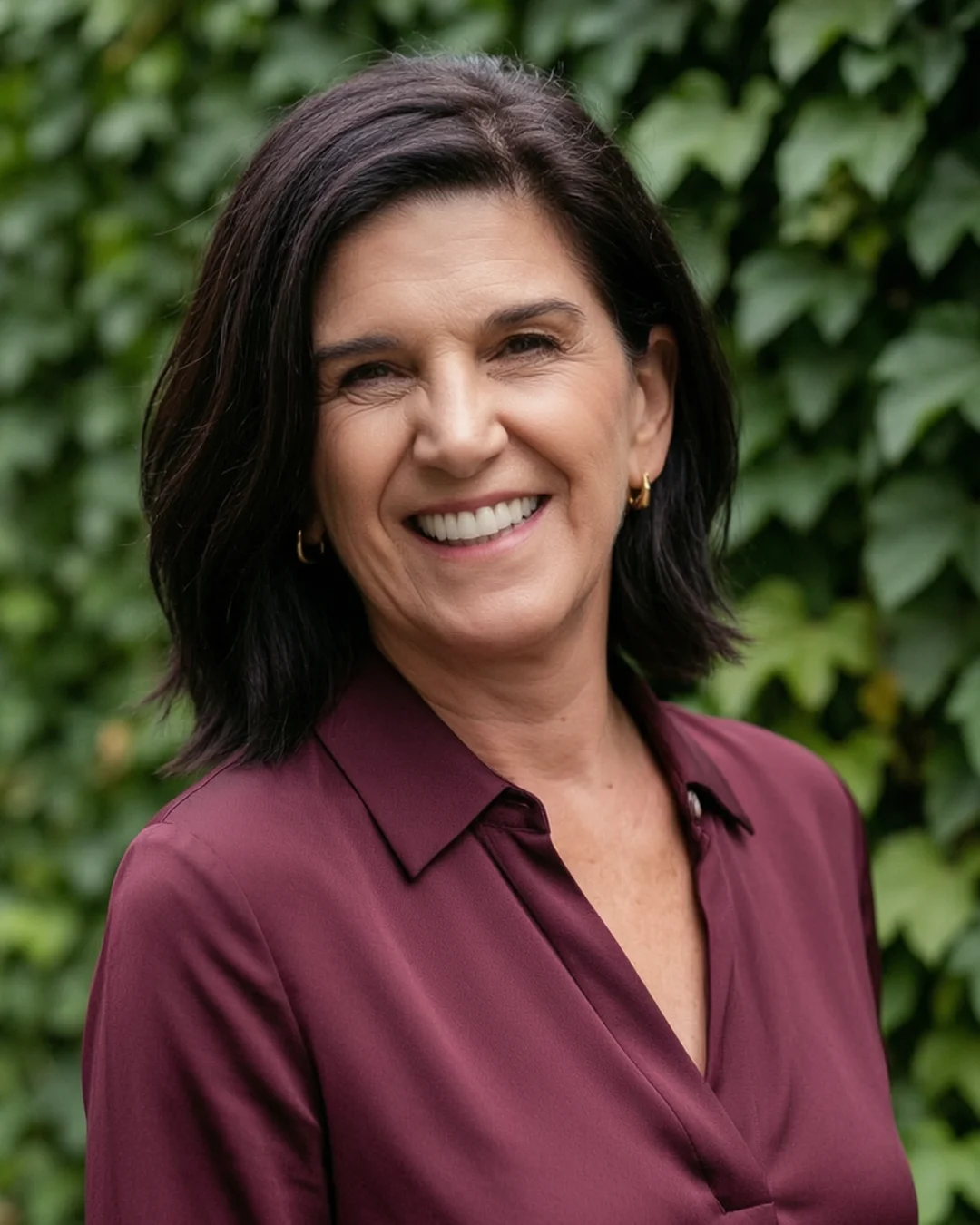

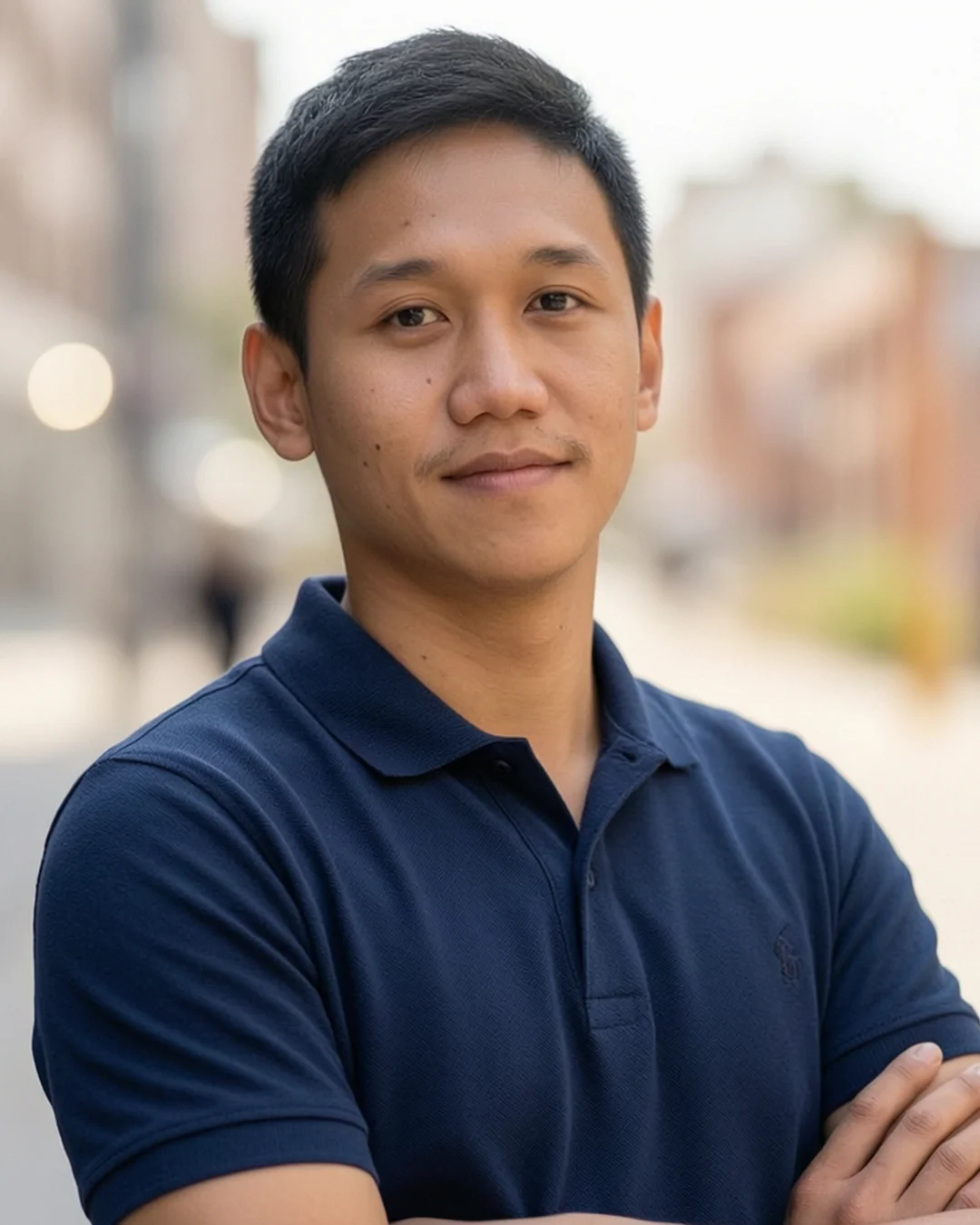
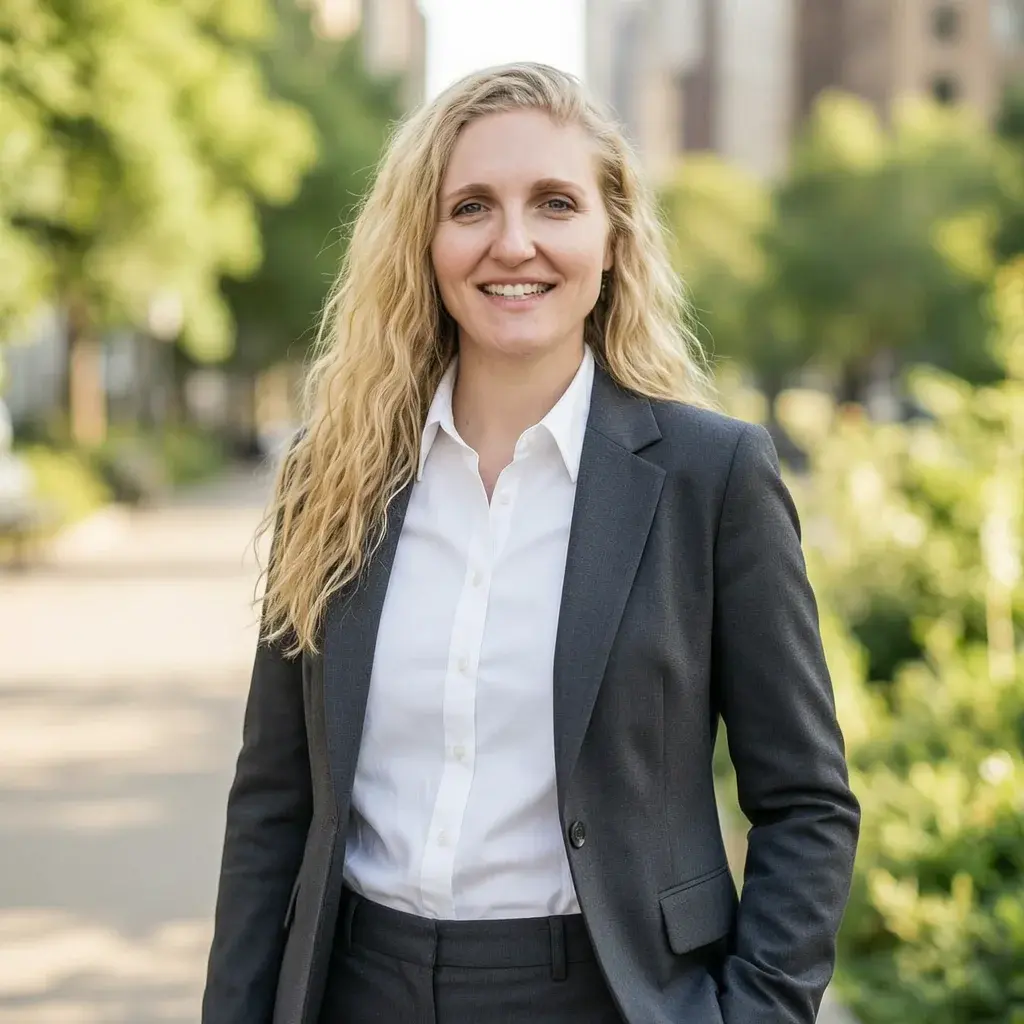
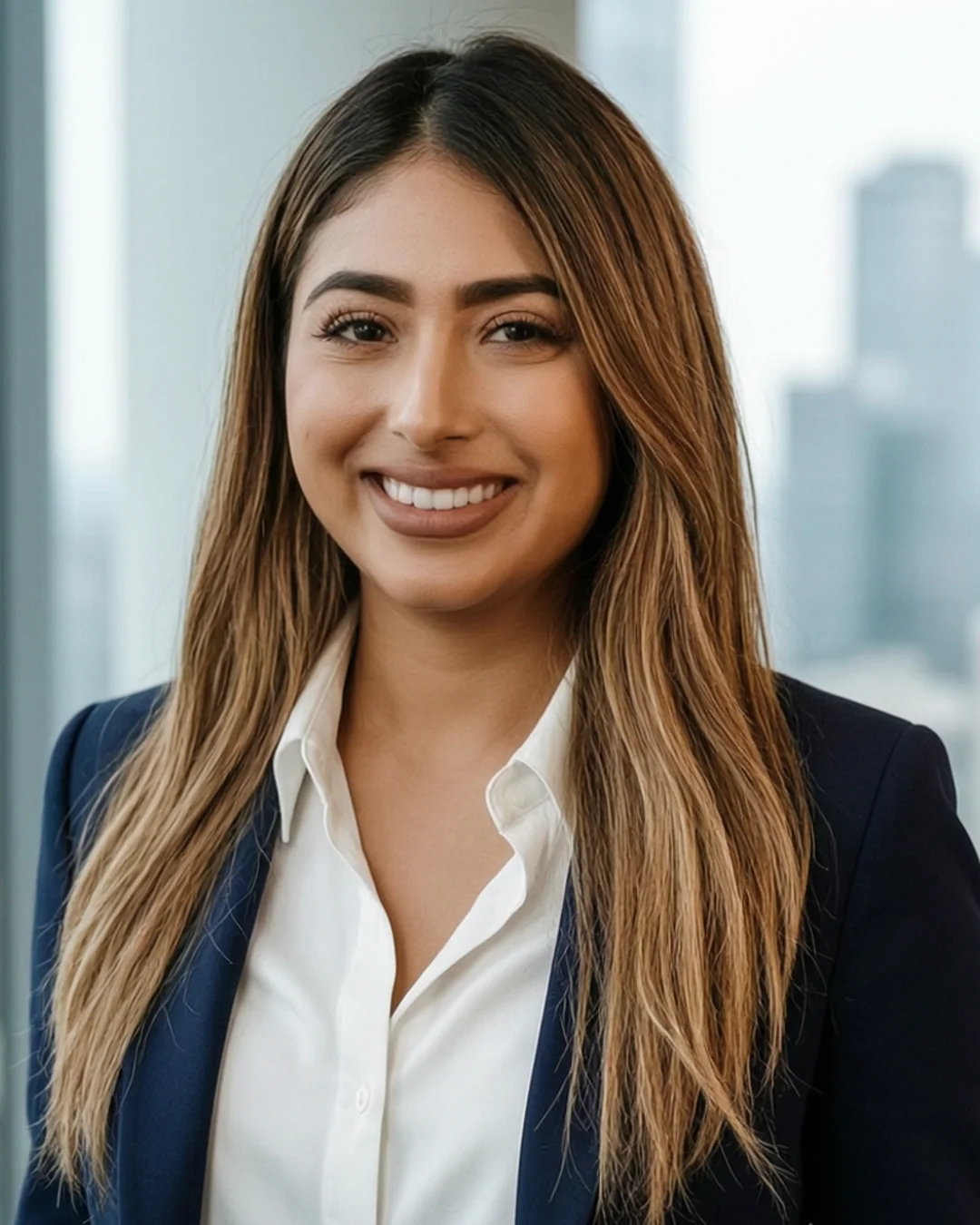
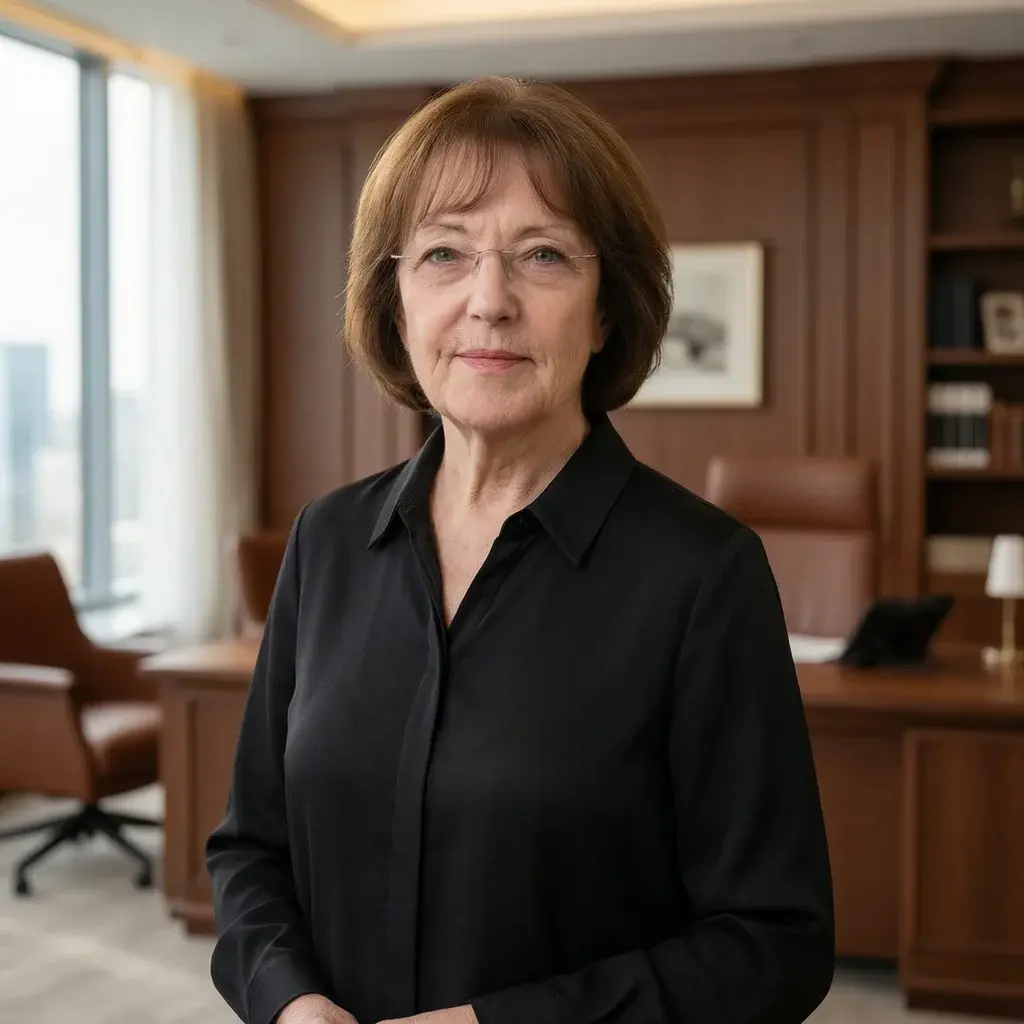
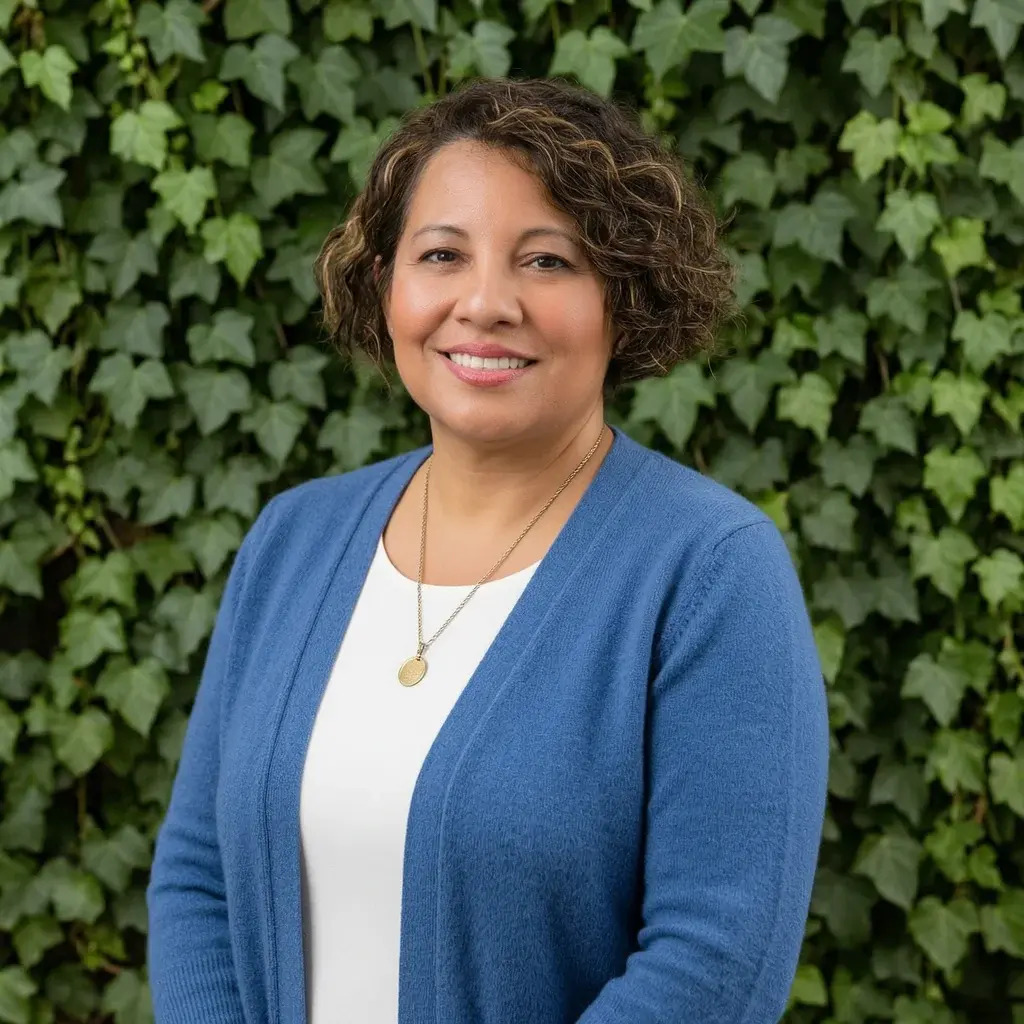
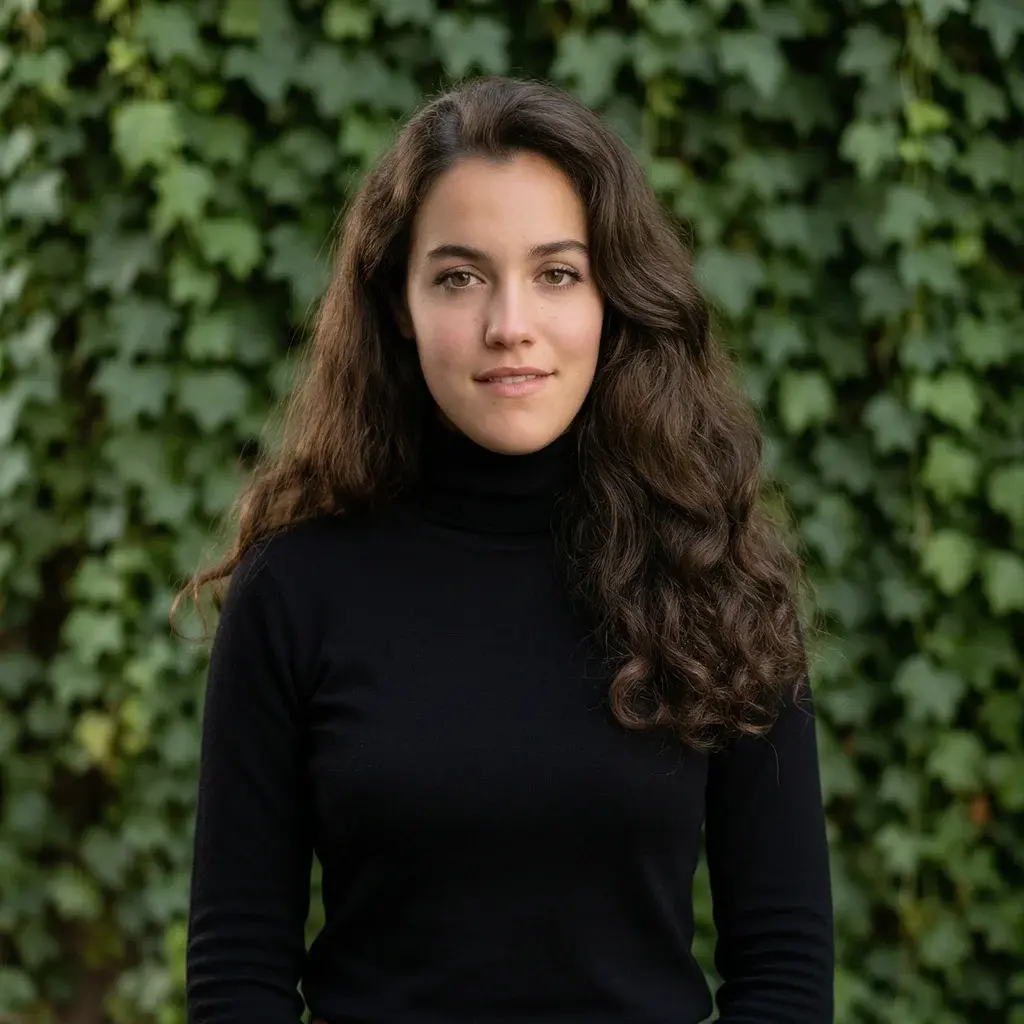

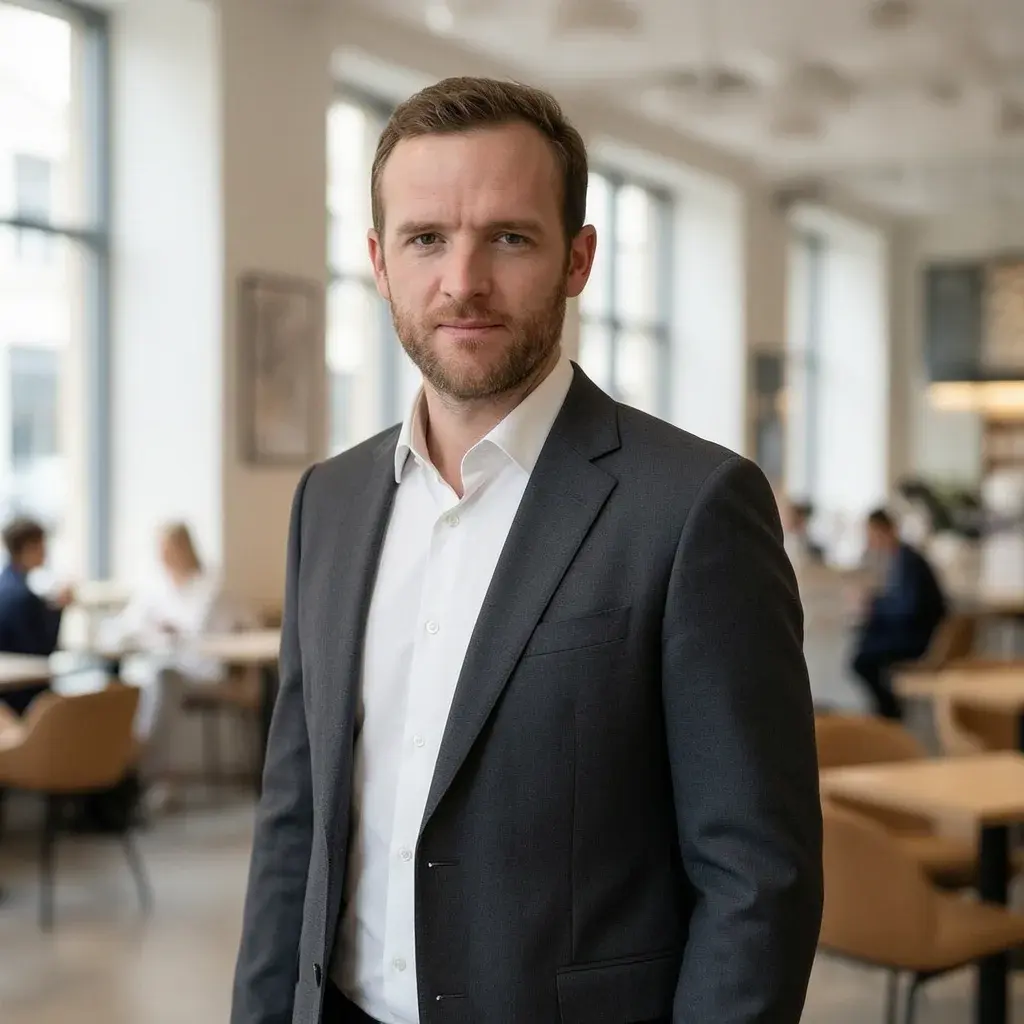
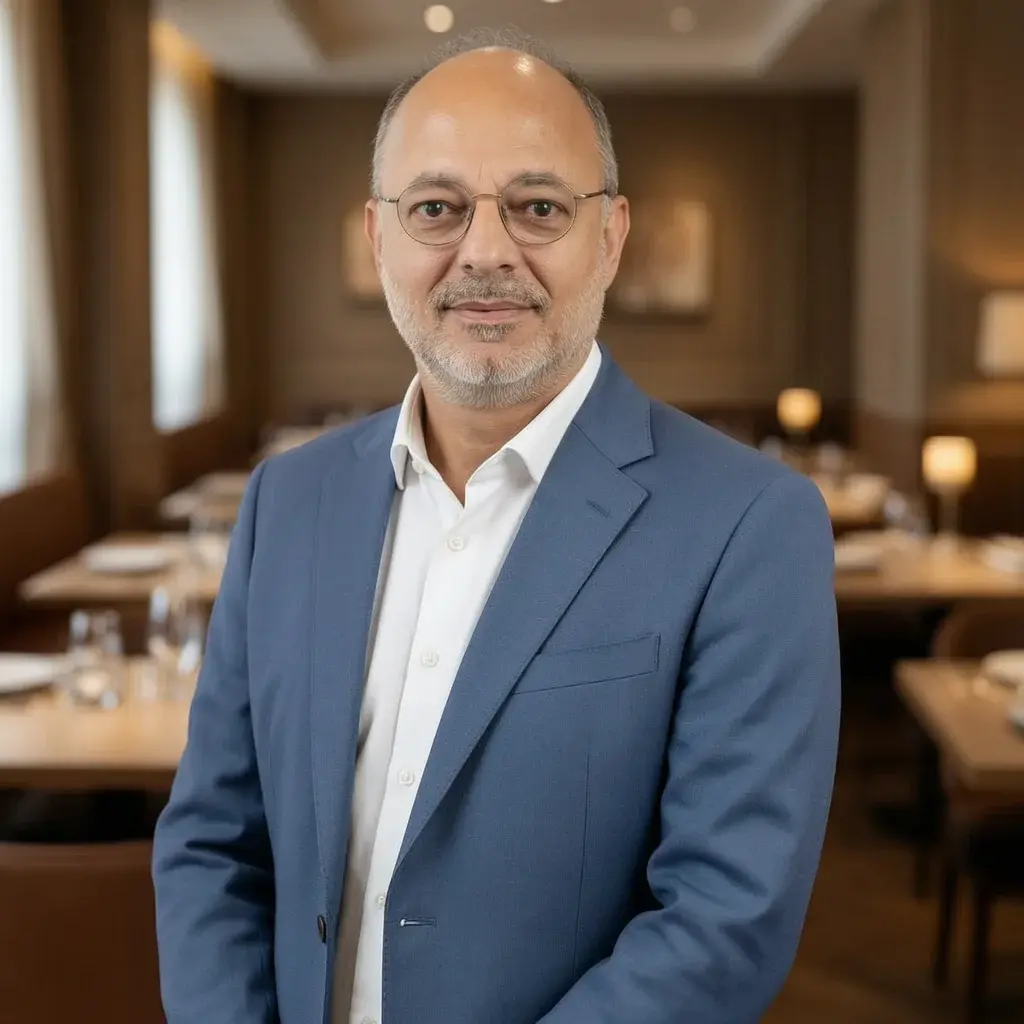




Summary done. Time for the photo.
Recruiters look at your LinkedIn photo before they read a word. Turn a few selfies into a studio-quality headshot that still looks like you — no photographer, no studio booking, no time off work.
Starting at $39 · Ready in 15 minutes · Pay only after you love them
