
Free AI profile builder · No email
Free LinkedIn Profile Generator
Free forever·No email needed·Ready in about 60 seconds
Drop in your CV and SnapBetter's AI profile builder drafts your complete LinkedIn profile from it — name, headline, About, experience, education, certifications, and languages. Adjust whatever you like, paste it into LinkedIn, and your profile is finished.
+Finishing touch: match your new profile with professional headshots
How it works
How the LinkedIn Profile Generator reads your resume
Every job title, date, employer, and skill is already sitting in your resume. The generator picks each one out and places it in the right LinkedIn field.
Priya Raman
Product Marketing Lead
priya.raman@email.com · Austin, TX
Summary
Six years launching fintech products to SMB buyers.
Experience
Ledgerly, 2022 to present
Education
LinkedIn profile
Headline
Product Marketing Lead · Fintech Launches & Positioning
About
Product marketer who turns launches into adoption.
Experience
Ledgerly, 2022 to present
Instead of a blank prompt, the LinkedIn Profile Generator works from the resume you already have. Your latest role turns into a headline, your summary and career history shape the About section, and your jobs, degrees, certifications, and languages land in their own fields. Because this LinkedIn profile creator starts from your real experience, the AI LinkedIn profile it hands back sounds like you.
Nothing is locked in. Rework the headline, cut a role, rephrase the About section, then paste it all into LinkedIn. It costs nothing, and there's no account or email to hand over.
Three steps
Create your LinkedIn profile
from your resume in three steps
Add your resume (PDF)
Pick your latest version. The AI only works with what's on the page, so make sure everything you want on your profile is in there.
Let the AI draft your profile
It builds your headline, About, experience, education, certifications, and languages from the resume. The whole thing takes roughly a minute.
Paste it into LinkedIn
Go through each section, change any wording that doesn't sound like you, then paste it into your profile and hit save.
Output
What the generator produces
Feed it a resume and get back a finished LinkedIn profile — headline, About, and experience — ready for your edits.
Priya Raman
No location yet
About
Experience

Priya Raman
Product Marketing Lead · Fintech Launches & Positioning
Austin, Texas Metropolitan Area·500+ connections
About
Product marketer with six years taking fintech products from beta to category leader with SMB buyers. I connect positioning, pricing, and sales enablement so launches turn into real adoption, not just press.
Experience
Product Marketing Lead
Ledgerly
2022 — Present
Led positioning for three launches and lifted trial-to-paid conversion by 40%.
Product Marketing Manager
Coinfield
2019 — 2022
Built the sales enablement program and rewrote messaging for the SMB segment.
The full checklist
How to create a LinkedIn profile that gets found
Great profiles come down to seven sections, each done properly. Below is what every section needs and the quickest way to fill it in.
Photo
People notice your photo before anything else. Choose a recent, professional headshot where your face is well lit and centred — not a crop from a wedding or conference. Don't have one? Make one with the free headshot generator.
Headline
Your headline appears next to your name across LinkedIn — in search, comments, and invites — so give it more than a job title: explain what you do and who it helps. Prefer to have it drafted? The LinkedIn headline generator writes options in seconds.
About / summary
The About section is where you get to speak for yourself. Aim for three brief paragraphs: your work today, your track record, and how people can contact you. The LinkedIn bio generator builds a draft from a few details.
Experience
Put your most recent role at the top. Under each, add a sentence or two on what you were responsible for and what changed because of you. A figure beats a buzzword. The generator above lifts this section directly from your resume.
Education and certifications
List your degrees alongside any active certifications. Recruiters search and filter by both, so don't leave gaps or expired entries.
Skills
Choose skills that line up with the jobs you're targeting, then move your three strongest to the top — those are the ones LinkedIn displays first. A handful of endorsements from colleagues helps too.
Recommendations
A couple of detailed recommendations from managers, peers, or clients count for more than a long list of skills. Ask people you've worked with recently, and offer to return the favour.
Rather not start from scratch? Upload your resume at the top of this page and the generator drafts your headline, About, experience, and the rest in around a minute. All that's left is fine-tuning.
FAQ
Frequently asked questions
Short answers on how the free tool works, what happens to your resume, and how to use the result.
Keep going
More free tools
Finish the rest of your profile with these. All free, no email needed.
LinkedIn Headline Generator
Headline options that explain what you do, in seconds.
Open toolLinkedIn Bio Generator
An About section drafted from a few quick details.
Open toolFree Headshot Generator
Turn one selfie into a professional profile photo.
Open toolEmail Signature Generator
A clean email signature that matches your profile.
Open tool

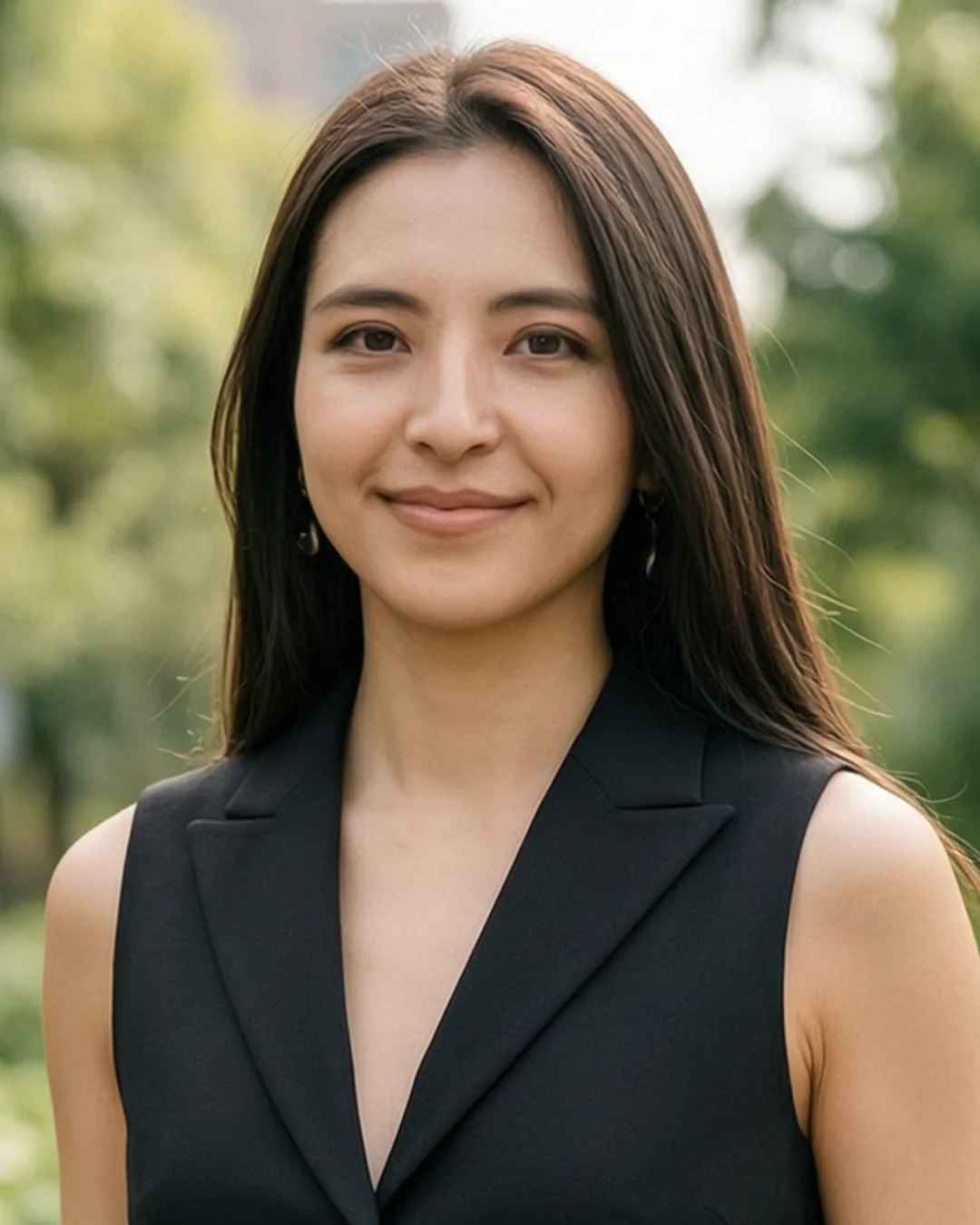



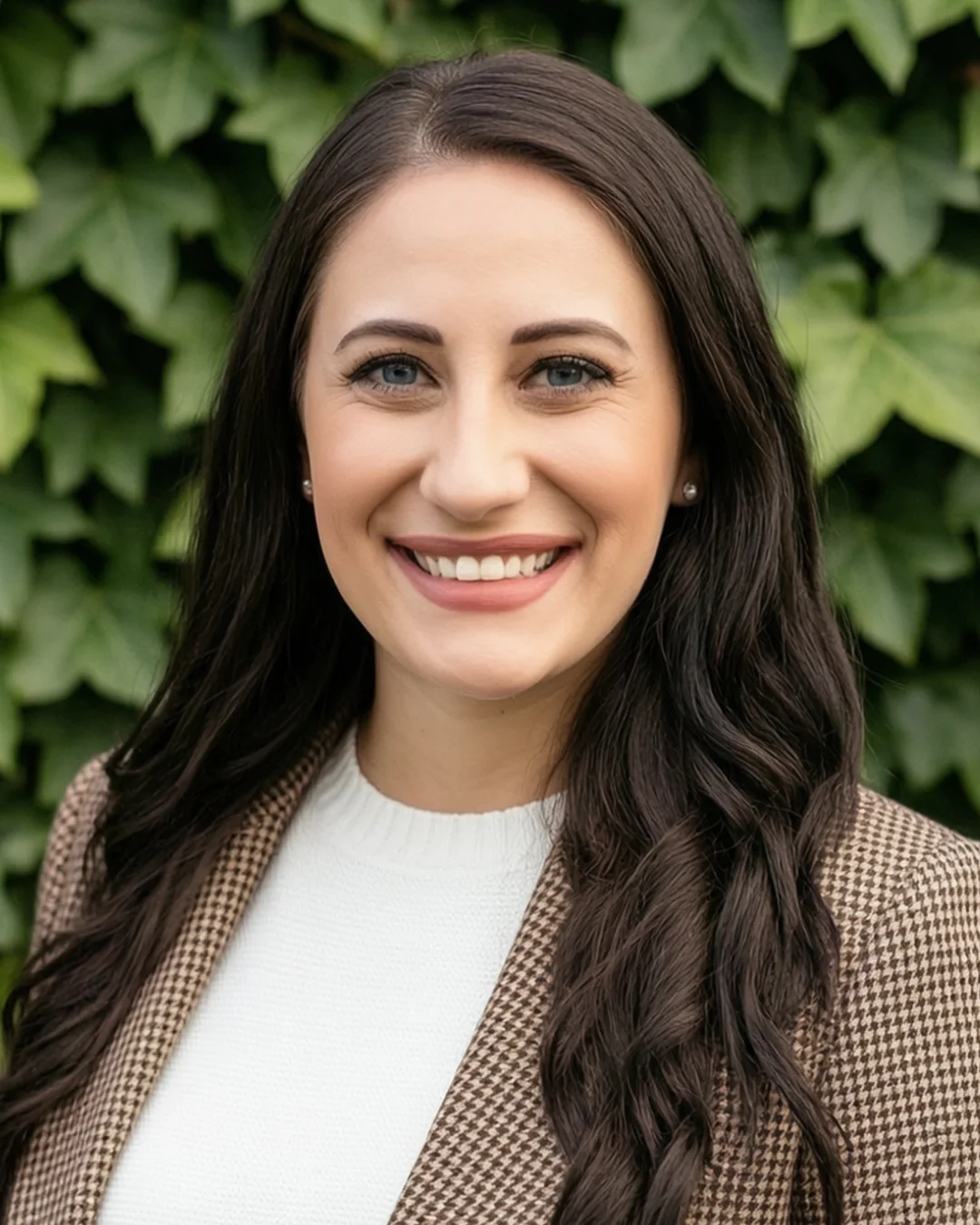







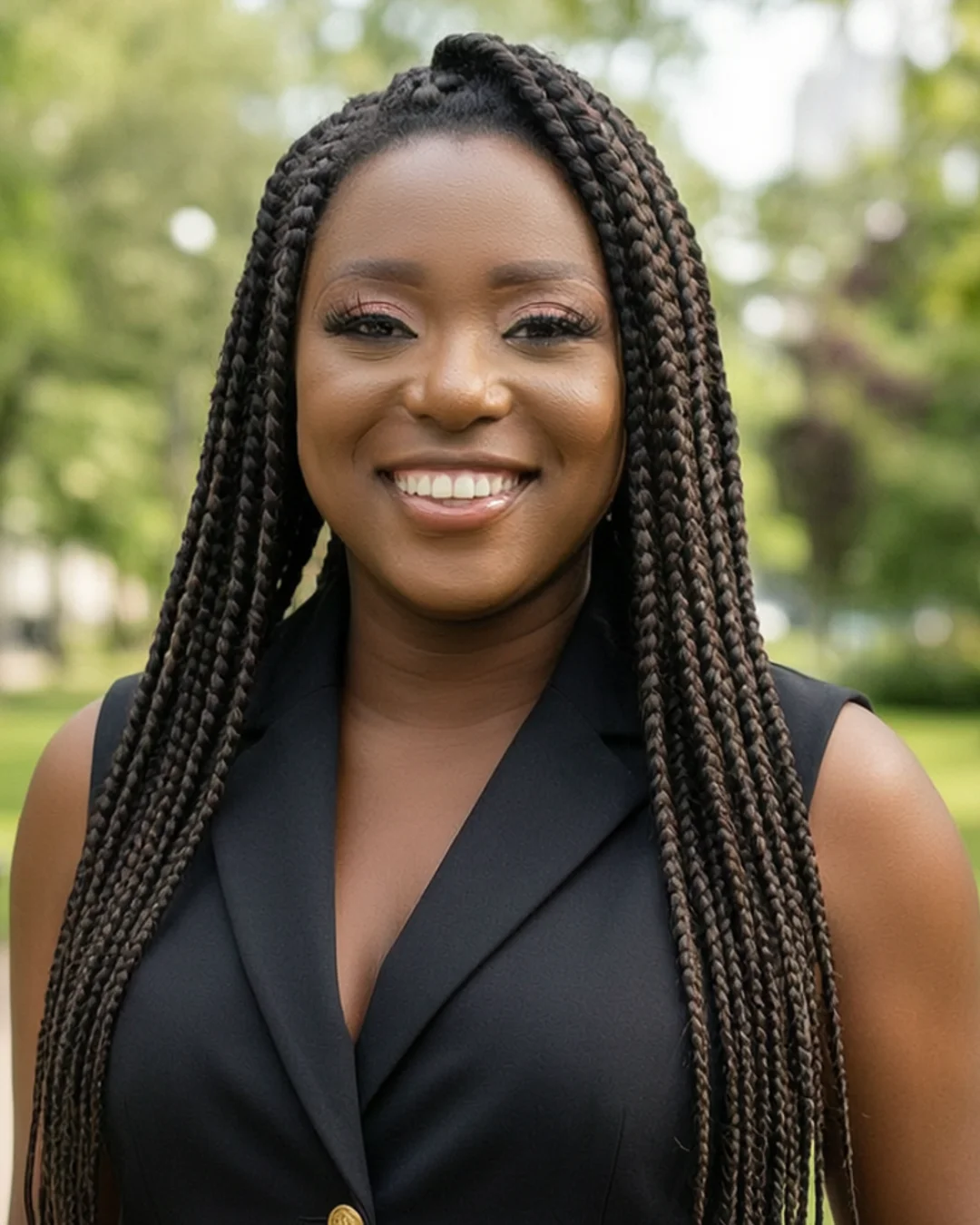



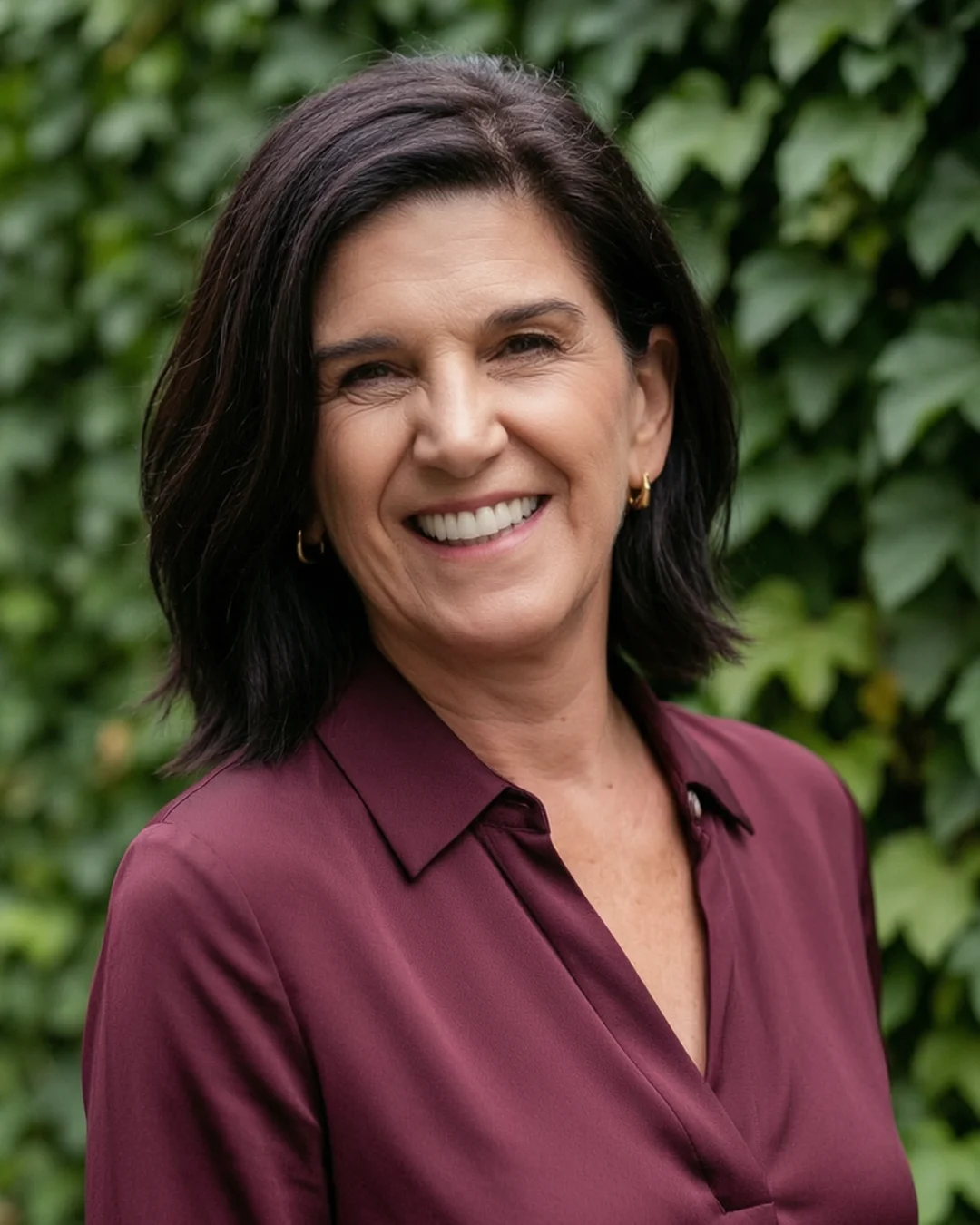










Profile done. Time for the photo.
Recruiters look at your LinkedIn photo before they read a word. Turn a few selfies into a studio-quality headshot that still looks like you — no photographer, no studio booking, no time off work.
Starting at $39 · Ready in 15 minutes · Pay only after you love them
