
Make a professional email signature, free
Free Email Signature Generator
Enter your details and add a photo — or make one with the AI headshot generator. Then paste your finished signature into Gmail or Outlook.
Free forever·No account needed·Works in any inbox·Ready in 30 seconds
Your info
Preview
Hi Daniel,
Thanks again for the call this afternoon. It was helpful to hear where your team wants to be by the end of the year.
I've attached the proposal we talked through. If anything needs clarifying, just reply here and we can set up a quick follow-up.
Kind regards,
Priya Raman
Product Marketing Lead
T:+1 512 555 0147
E:priya@ledgerly.com
W:ledgerly.com
Three steps
How the Email Signature Generator
builds your signature
Your signature goes out with every email you send. This tool makes a polished one in around 30 seconds, without an account.
Enter your details
Add your name, job title, phone, email, and website. The preview changes as you type, so you know exactly how it will look in the inbox.
Add your photo
Use one you already have, or create a professional AI headshot so every email you send looks polished.
Paste it into your inbox
Click copy, then paste into Gmail or Outlook. It arrives as a real HTML signature with clickable links, not a flat image.
Examples
Email signature examples for every role
Professional signature layouts for different jobs. Treat any of them as a template, then build yours in the tool above.
Priya Raman
Product Marketing Lead, Ledgerly
priya@ledgerly.com
+1 512 555 0147·ledgerly.com
Tom Okoye
Account Executive, Freightwise
tom@freightwise.io
+1 312 555 0164·freightwise.io
Lucia Moreno
Realtor, Bayside Homes
lucia@baysidehomes.com
+1 619 555 0128·baysidehomes.com
Hannah Brooks
Science Teacher, Riverside Academy
h.brooks@riverside.edu
+1 614 555 0191·riverside.edu
David Kim
Chief Financial Officer, Northgate Partners
david@northgatepartners.com
+1 617 555 0105·northgatepartners.com
Leo Fischer
Mechanical Engineering Student, Class of 2027
leo.fischer@uni.edu
+1 608 555 0182·leofischer.dev
Each one uses the same structure: a photo, your name and job title, then one tidy line of contact details. Make your own in the builder at the top of the page.
Setup
How to add your email signature to
Gmail & Outlook
After copying your signature, setting it as your default takes roughly a minute.
Gmail
- 1
In Gmail, click the gear icon and choose See all settings.
- 2
Find the Signature section on the General tab and select Create new.
- 3
Name it, then paste your signature into the editor.
- 4
Pick it as the default for new emails and replies, scroll down, and click Save changes.
Outlook
- 1
In Outlook, open Settings and go to Mail › Compose and reply.
- 2
In the Email signature area, start a new signature and give it a name.
- 3
Paste your copied signature into the text box.
- 4
Set it as the default for new messages and replies, then click Save.
The full checklist
How to make a professional email signature in minutes
Strong signatures are brief, clear, and readable on a small screen. Here's what belongs in one and what to cut.
Start with the essentials
Your name, job title, and one or two contact options are all you really need. Phone, email, and website cover it. Anything more pulls attention away from the email itself.
Add a professional headshot
A small photo makes your signature feel personal and makes you easier to remember. Choose a recent, well-lit headshot instead of a crop from a night out, or create one with the AI headshot generator.
Limit colours and fonts
A single accent colour and one typeface look professional in every email client. Leave out the extra icons, banners, and logos. Restraint reads as more senior than decoration.
Design for mobile
Most emails are now opened on a phone, so keep your signature to a few short lines. If readers have to scroll past it, it's too long.
Choose an HTML signature over an image
Image-only signatures can't be clicked and are often hidden by email clients. This tool copies a real HTML signature, so your links work and your text can be selected.
Rolling it out to your team?
Matching signatures make a whole company look organised. Give everyone the same template and a consistent set of headshots. Our team headshots make that easy.
Want the quick route? Fill in the builder at the top, add your photo, and copy a polished signature in around 30 seconds.
FAQ
Frequently asked questions
Short answers on the free tool, adding your photo, and using your signature in any inbox.
Keep going
More free tools
Round out your professional presence with these. All free, no email needed.
Free Headshot Generator
Turn one selfie into a professional profile photo.
Open toolLinkedIn Headline Generator
Headline options that explain what you do, in seconds.
Open toolLinkedIn Bio Generator
An About section drafted from a few quick details.
Open toolLinkedIn Profile Generator
A complete LinkedIn profile built from your resume.
Open tool














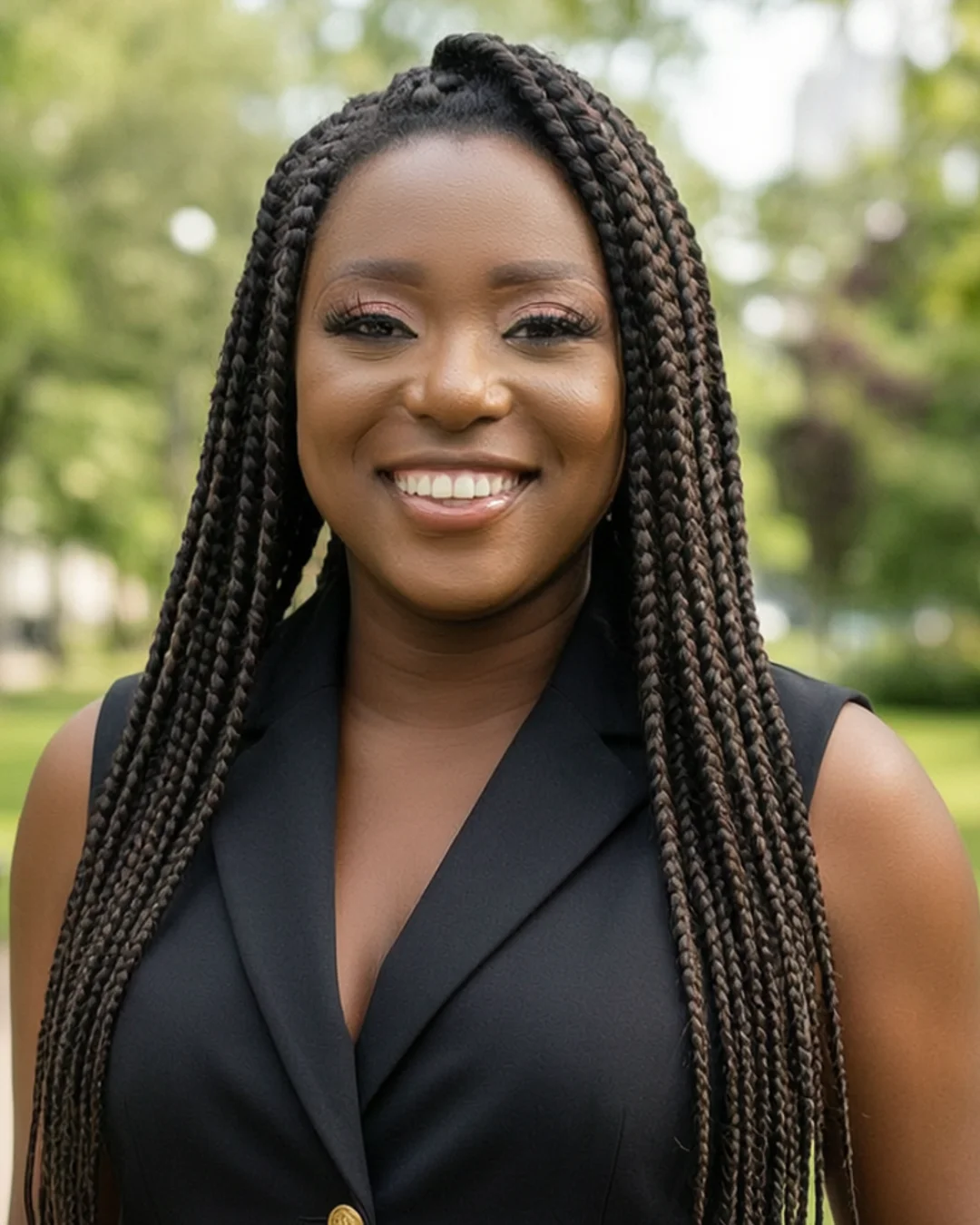


















Your signature has a photo. Make it count.
Your signature photo goes out with every email you send. Turn a few selfies into a studio-quality headshot that still looks like you — no photographer, no studio booking, no time off work.
Starting at $39 · Ready in 15 minutes · Pay only after you love them
